So you want (or need) to learn SQL—awesome! What exactly does that mean?
Think about how you search the internet. You open a browser, type something into a search engine like Google, Yahoo!, or DuckDuckGo, and get a list of results. Each search engine uses its own algorithm (a sequence of computer instructions) to decide which websites to show you and in what order. That’s why you can type the same search terms into two different engines and get different results.
Databases work in a similar way. Instead of a browser, you use a database connection. Instead of typing into a search bar, you write a query statement—usually in Structured Query Language (SQL). That query tells the database engine what you want, and the engine decides which internal algorithms to use. To an extent, the quality of the query determines the speed, accuracy, and success of results.
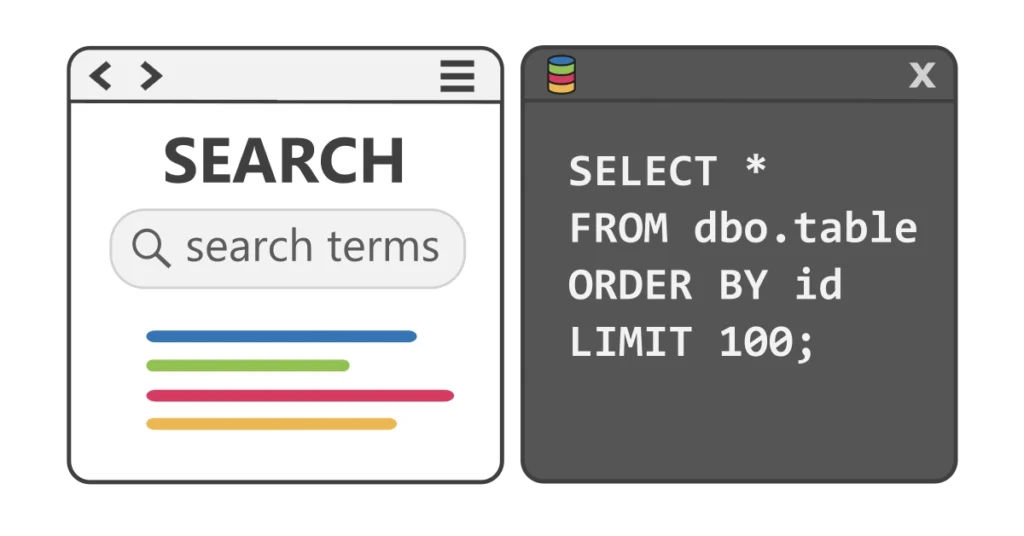
But SQL isn’t just for searching. SQL statements can also add, remove, and change data and objects in the database. In computer science, these actions are called CRUD operations:
- Create – add new records and objects
- Read – look up existing records
- Update – modify existing records and objects
- Delete – remove existing records and objects
Is SQL a Programming Language?
Not exactly. SQL is a query language, not a programming language. Programming languages are used to build things like apps, software, interactive websites, and system processes. Query languages are designed to interact with databases.
Of course, programming languages and query languages often work together. For example, an application might use SQL to read and display information from a database. But the two language classifications serve distinctly different purposes, with their own capabilities, keywords, and syntax.
Many people who work with SQL every day—whether for research, reporting, or analysis—don’t come from a software development background, and that’s completely normal. You don’t need to be a programmer to succeed with SQL.
That said, as you grow in your learning, it can be helpful to get a broad understanding of a few foundational ideas—like source control, the software development lifecycle (SDLC), database management, and common industry terms. These concepts will give you context, help you feel more confident, and make it easier to collaborate with others in data-related roles.
Is SQL the Only Query Language?
Not at all. SQL is by far the most popular query language, especially for relational databases, but it isn’t the only option. Different types of databases use different languages, each designed for the way their data is stored and organized.
- Document databases like MongoDB use their own JSON-style syntax to search and filter data.
- Graph databases such as Neo4j use languages like Cypher or Gremlin to explore connections between nodes and relationships.
- Big data systems have specialized query languages too, like HiveQL for Apache Hive data warehousing built on Hadoop or Kusto Query Language (KQL) in Azure Data Explorer.
- Time-series and event databases like InfluxDB or Prometheus come with their own query languages focused on analyzing data that changes over time.
Outside of traditional databases, there are also application-specific query languages. A few examples include:
- Jira Query Language (JQL) is used in Atlassian Jira to filter, search, and report on issues.
- Git Query Language (GQL or GitQL) allows querying of Git repositories, making it easier to analyze commits, branches, and contributor history directly from version control data.
- Splunk Search Processing Language (SPL) is used in Splunk for searching, filtering, and transforming log and machine data.
Even though these alternatives exist, SQL remains the industry standard. In fact, many newer query languages borrow heavily from SQL because it’s so widely understood. That means once you’re comfortable with SQL, it’s usually easier to adapt to other systems if you ever need to.
The Big Question: Is It Pronounced “Sequel” or “S-Q-L”?
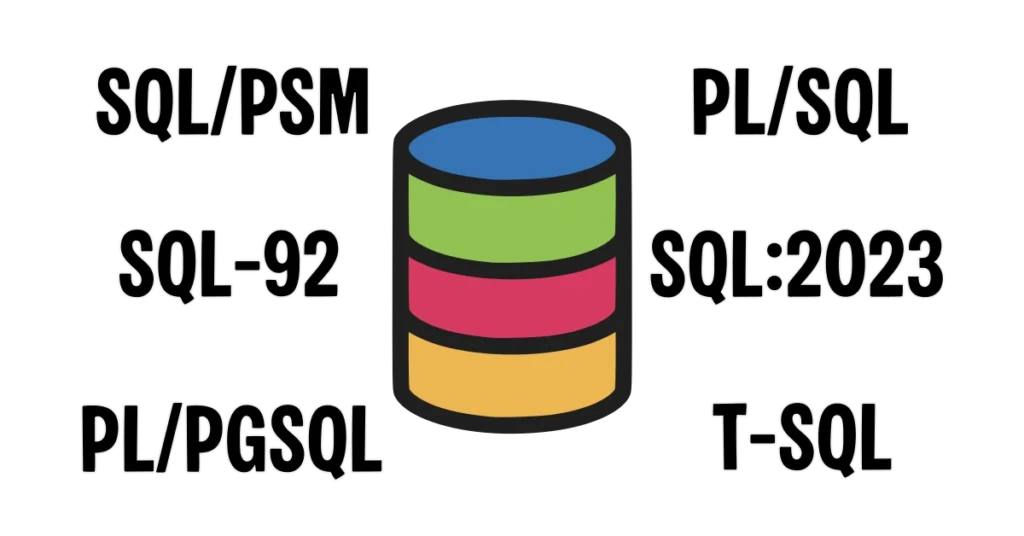
SQL isn’t as rigid as you might think. Different database platforms have their own flavors of SQL with their own keywords and rules, but many decisions are left to the person writing the query.
Ask 10 people to write a SQL query and it’s possible you’ll get 10 different responses that return the same results. This freedom leads to strong, competing opinions on best practices, proper formatting, and object naming conventions. Even the pronunciation of the word “SQL” can spark heated debate.
A quick history lesson: the SQL language was created in the 1970s by a couple of engineers at IBM and originally named Structured English Query Language, abbreviated SEQUEL. Because another company already owned the legal naming rights to “SEQUEL”, the name was shortened to Structured Query Language and the acronym became SQL.
Some people point to this history and argue that the pronunciation didn’t change when the acronym was shortened. Others argue that SQL is an acronym and should be spoken as individual letters “S-Q-L”.
Personally, I go with “sequel” because my first experience was with Microsoft SQL Server (pronounced “sequel server”) and that’s what I hear most often. But I’ve worked with a few people who adamantly say “S-Q-L,” and that’s fine too. Like many things in SQL, it really comes down to personal preference.
Key Takeaway
At its core, SQL is about communicating with data—asking questions, retrieving answers, and sometimes making changes. Whether you say “sequel” or “S-Q-L,” whether you’re just starting out or diving deep into advanced queries, learning SQL opens the door to understanding and shaping the information that drives businesses, research, and technology. And once you start speaking the language of data, you’ll never look at information the same way again.