
When you’re learning SQL, you’ll quickly run into words like error handling, troubleshooting, and debugging. They sound similar—and in some ways they overlap—but they’re not the same thing. Understanding the difference can help you grow from just “writing queries” to thinking like a database developer. Here’s a quick breakdown of each term.
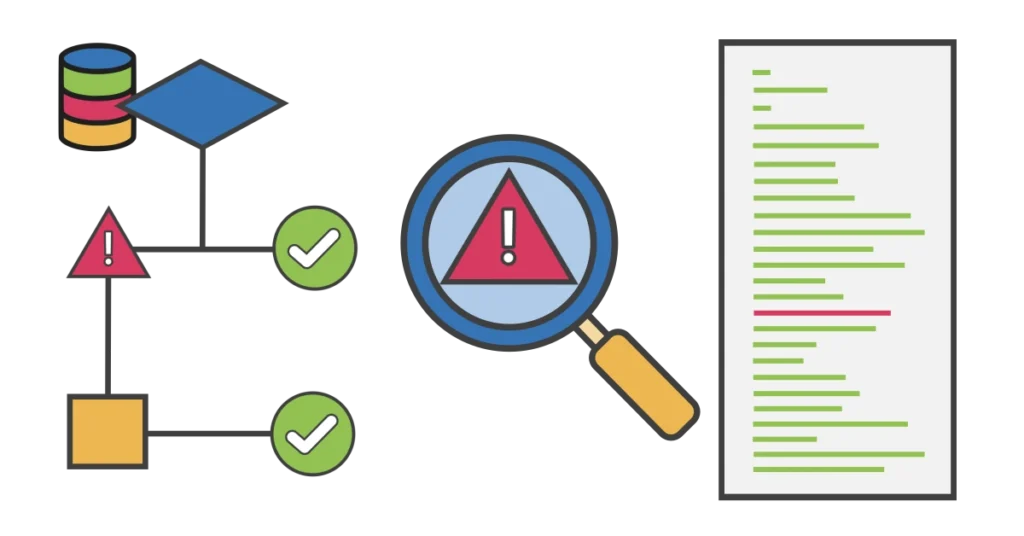
Error Handling: Preparing for Problems Before They Happen
Error handling is all about planning ahead. Instead of assuming every query will run perfectly, you anticipate what might go wrong and put guardrails in place. For example, what happens if someone tries to insert a duplicate ID into a table? Or forgets to provide a required value? Error handling gives you control over how the system reacts in those situations.
This isn’t just about avoiding crashes—it’s about protecting data integrity and creating predictable outcomes. A well-designed process can gracefully roll back changes if something fails, preventing half-completed operations from leaving a mess behind.
General Steps for Error Handling
- Identify situations that could cause problems (e.g., duplicate values, missing data, invalid formats).
- Decide how the system should respond when those situations occur.
- Use constraints, transactions, or structured exception handling to enforce those responses.
- Apply consistent patterns across your queries so error handling is predictable and easy to maintain.
⚠️ Caution: It can be incredibly challenging—and in some cases impossible—to correct partial changes if a statement fails midway through.
Any statement that modifies data or database objects (INSERT, UPDATE, DELETE, CREATE, ALTER, DROP) should include error handling to ensure there are only two possible outcomes: everything succeeds or everything is rolled back (nothing changes).
Troubleshooting: Finding Out Why Something Broke
Troubleshooting begins when something doesn’t work the way you expected. Maybe a query failed, or the numbers in a report don’t look right. This is where you put on your detective hat and ask: What went wrong, and why?
The process usually involves examining error messages, checking constraints, reviewing recent changes, or even testing with sample inputs. It’s less about fixing immediately and more about understanding the root cause. Without that understanding, any “fix” risks being a temporary patch that hides the real issue.
General Steps for Troubleshooting
- Start by carefully reading error messages or reviewing unusual results.
- Gather information: which query or process failed, what inputs were used, what changed recently?
- Reproduce the problem if possible to confirm it’s consistent.
- Narrow down possible causes by testing assumptions (e.g., is it the data? the join logic? a constraint?).
- Document what you find so you can trace your reasoning later.
💡Troubleshooting Tip: Develop a habit of keeping track of changes to your queries or data structures. A simple log or version control system can help you connect new problems with recent updates, making troubleshooting much faster.
Debugging: Fixing Mistakes in Your SQL Code
Once you know what went wrong, debugging is the step where you actually roll up your sleeves and fix it. Sometimes the fix is obvious, like correcting a misspelled column name. Other times, it’s more subtle—rewriting join conditions, adjusting logic in a stored procedure, or restructuring a query for efficiency.
Debugging often involves narrowing down the problem by testing small pieces of a query separately, then gradually putting things back together. The key is to be systematic rather than guessing; this not only solves the immediate issue but also prevents new ones from creeping in.
General Steps for Debugging
- Break the problem down into smaller parts—test each piece separately.
- Isolate the specific section of code or logic causing the failure.
- Apply a targeted fix, not just a quick patch.
- Re-run the full query or process to confirm the fix resolves the issue.
- Double-check related areas to ensure the change doesn’t introduce new errors.
💡 Debugging Tip: If your tools support stepping through procedures or examining execution plans, use them—they can uncover hidden logic problems or inefficiencies.
How They Work Together
Error handling, troubleshooting, and debugging aren’t isolated skills—they flow into each other as part of everyday SQL work:
- Error handling is prevention—building resilience into your code.
- Troubleshooting is investigation—figuring out what happened when something goes wrong.
- Debugging is correction—making changes to repair the problem.
A simple way to think about it is with a driving analogy:
- Error handling is like fastening your seatbelt before driving.
- Troubleshooting is figuring out why the car won’t start.
- Debugging is replacing the dead battery once you’ve found the cause.
Key Takeaways
As a beginner, it’s easy to blur the lines between these terms. But as you grow in your SQL journey, you’ll see that they each serve a different purpose:
- Proactive: Error handling means preparing for possible problems so they don’t derail your work.
- Reactive: Troubleshooting is about asking the right questions to uncover the root cause of an issue.
- Corrective: Debugging is the process of repairing the code or logic once the problem is identified.
By practicing all three, you’ll not only fix mistakes when they happen but also reduce how often they occur in the first place. Over time, this makes your SQL development smoother, more reliable, and far less stressful.