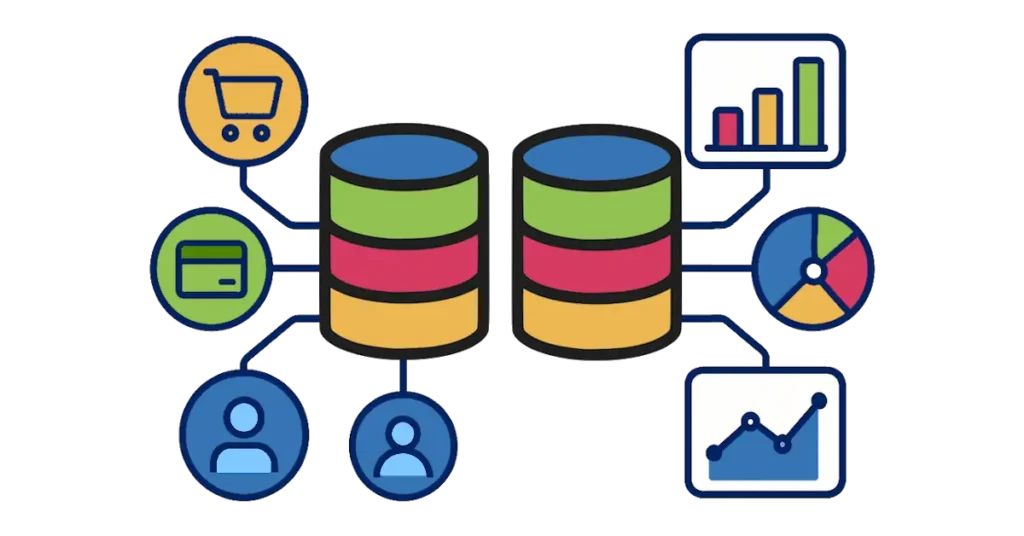
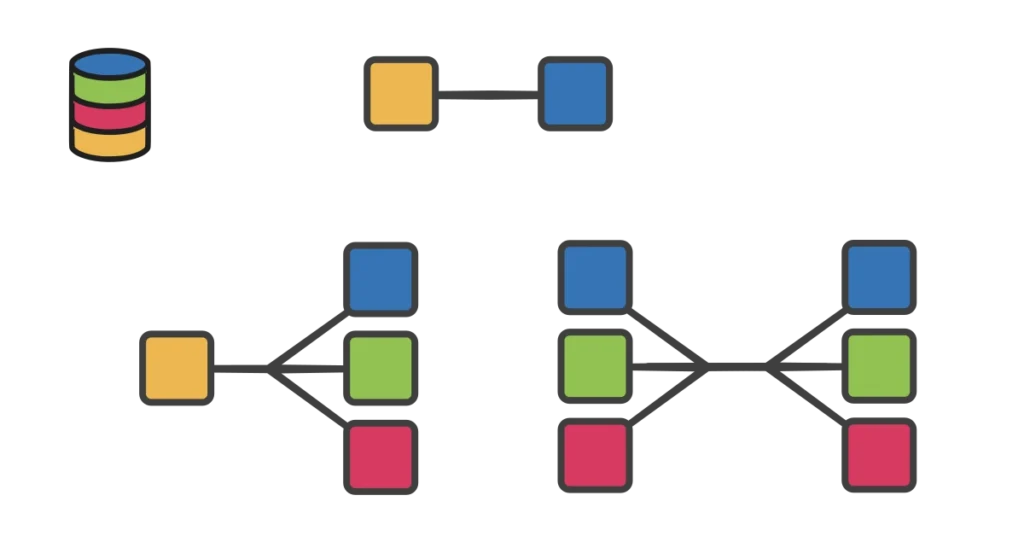
When working with databases, you might hear the word schema used in different ways. It’s important to know that a design schema is not the same as a database object schema. A database object schema is more like a namespace—it organizes objects such as tables, views, and procedures inside a database. A design schema, on the other hand, refers to the overall layout or blueprint of how data is structured for analytics and reporting.
In analytical systems like data warehouses, schema design is especially important because it directly affects how quickly and easily you can retrieve insights. Three of the most common schema designs are star, snowflake, and galaxy. Each has strengths and weaknesses, and choosing the right one depends on your goals and the complexity of your data.
What is a Star Schema?
A star schema is the simplest and most widely used design in data warehouses. At the center of the schema is a fact table, which stores measurable business data such as sales, revenue, or quantities. Surrounding the fact table are dimension tables, which provide context like customer information, product details, time, or location.
Visually, it looks like a star: the fact table at the center with dimensions branching out around it.
Pros of Star Schema:
- Easy to understand and use, especially for beginners
- Fast query performance because of fewer joins between tables
- Works well with common reporting and business intelligence tools
Cons of Star Schema:
- Can lead to redundant data in dimension tables (e.g., repeating city names for multiple customers)
- May not handle very complex relationships between dimensions
Use Cases:
- Great for dashboards and standard reporting
- Common in retail, sales, and marketing analytics where simplicity and speed are priorities
What is a Snowflake Schema?
A snowflake schema builds on the star schema but takes normalization a step further. In this design, dimension tables are broken down into smaller related tables. For example, instead of storing city and country inside the customer table, you might split those into separate “location” tables.
This design creates a more complex structure that resembles a snowflake.
Pros of Snowflake Schema:
- Reduces redundancy by normalizing data in dimension tables
- Uses less storage space compared to star schema
- Provides a more organized, detailed data structure
Cons of Snowflake Schema:
- More complex queries with additional joins
- Slower performance for some reports compared to star schema
- Harder for beginners to understand
Use Cases:
- Useful when storage efficiency matters
- Helpful when dimensions have complex hierarchies (e.g., geographic data like city → state → country)
- Common in large enterprises where accuracy and normalization are key
What is a Galaxy Schema?
A galaxy schema (sometimes called a fact constellation schema) is designed to handle situations where there are multiple fact tables that share dimension tables. Instead of one central star, you have multiple stars linked together, forming a “galaxy.”
For example, a company might have one fact table for sales and another for shipments, but both share dimensions like product, time, and customer.
Pros of Galaxy Schema:
- Handles complex business models with multiple fact tables
- Efficient when many different processes share the same dimensions
- Flexible for advanced analytics across different subject areas
Cons of Galaxy Schema:
- More complex to design and maintain
- Queries can be harder to write and optimize
- Can be overwhelming for users new to data modeling
Use Cases:
- Common in enterprise-level data warehouses with multiple business processes
- Useful when integrating data across different departments (e.g., sales, finance, and logistics)
- Ideal when organizations need a single, unified view of data
Key Takeaways
- A star schema is simple and fast, best for straightforward reporting and dashboards.
- A snowflake schema saves storage and models data in more detail, but adds query complexity.
- A galaxy schema supports multiple business processes and shared dimensions, but requires more advanced design.
Choosing the right schema depends on your goals. If you’re building a simple reporting system, start with a star schema. If you’re modeling detailed hierarchies and want to save space, snowflake may be a better fit. For large organizations with multiple analytical needs, a galaxy schema offers the flexibility to tie everything together.
In the end, schema design is about balance—choosing the structure that best supports both performance and business requirements.