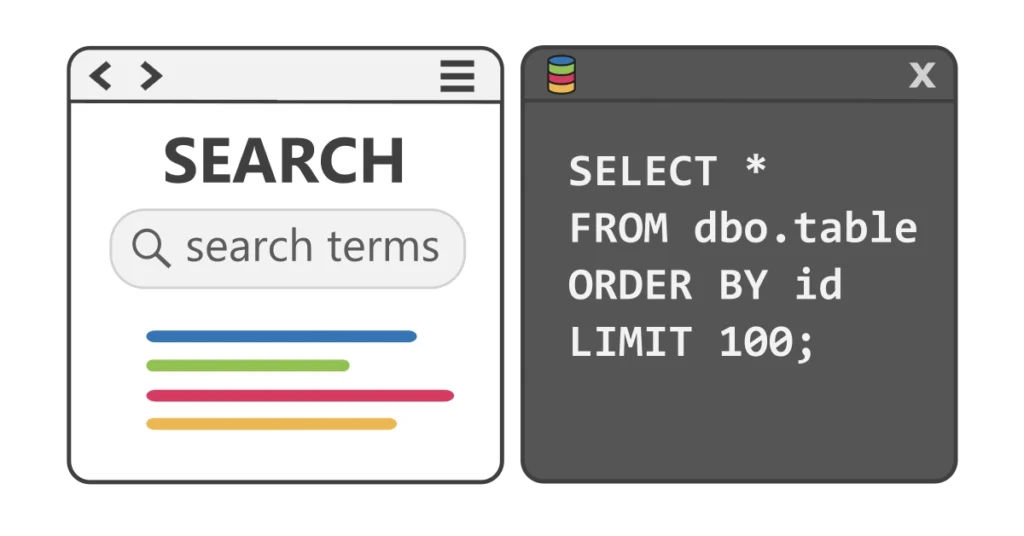
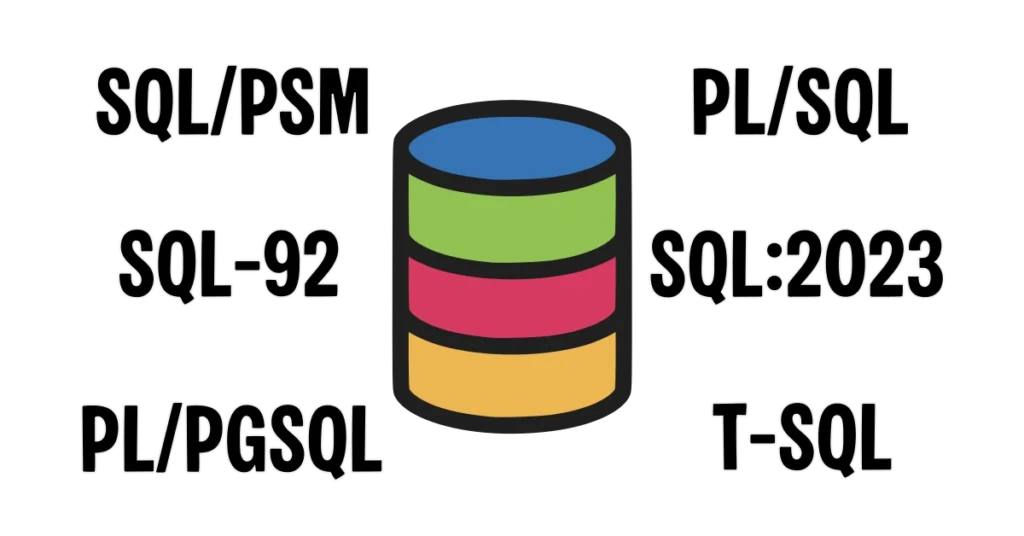
When you’re just starting out with SQL, it’s easy to think there’s only one “right” way to write a query. The truth is, SQL is surprisingly flexible. A single query can be written in various ways and still return the same results.
Similar to how a musician has a signature sound or an artist has a signature creative vision, developers tend to evolve a signature programming style comprised of their personal preferences and logical approach to solving problems.
The key isn’t finding the one perfect style—it’s being consistent and choosing formatting practices that make your code easier for you and your colleagues to read, maintain, and debug.
Why Formatting Matters
SQL formatting decisions—like where to put spaces, line breaks, or commas—are mostly subjective. No single approach is “correct.”
The goal is to structure your queries so they are easy to follow, particularly when someone else (or future you) revisits them. Thoughtful spacing and indentation guide the eye through the logic of the statement, making complex operations less intimidating and reducing the risk of mistakes.
Here are some common choices that vary from developer to developer:
White space and indentation:
SELECT column1, column2 FROM schema_name.table_name;

-- vs.

SELECT column1,
	   column2
FROM schema_name.table_name;

-- vs.

SELECT
	column1,
	column2
FROM
schema_name.table_name;Commas before or after list items:
SELECT column1,
	   column2,
	   column3
FROM schema_name.table_name;

-- vs.

SELECT column1
	  ,column2
	  ,column3
FROM schema_name.table_name;Line breaks for clauses:
SELECT column1, column2 FROM schema_name.table_name WHERE column3 IS NOT NULL;

-- vs.

SELECT column1,
	   column2
FROM schema_name.table_name
WHERE column3 IS NOT NULL;Capitalization of keywords:
select column1, column2 from schema_name.table_name where column3 is not null;

-- vs.

SELECT column1, column2 FROM schema_name.table_name WHERE column3 IS NOT NULL;None of these approaches is “wrong.” The important thing is that once you pick a style you stick with it. Consistency makes queries easier to read, reduces mistakes, and helps everyone contributing to a project understand the code quickly.
Statement Terminators
A SQL statement is a complete instruction that tells the database what to do—such as retrieving data, inserting new records, updating rows, or deleting data. Each statement is self-contained, and the database needs a way to know where one statement ends and the next begins.
A statement terminator is a symbol that marks the end of a SQL statement. In most SQL dialects, this is the semicolon (;), but each database platform handles terminators differently.
| Database Platform | Required Terminator(s) | Optional / Accepted Terminator(s) | Notes / Special Cases |
|---|---|---|---|
| PostgreSQL | ; | Required when executing multiple statements in the same session. | |
| Oracle (SQL*Plus) | ; (in-line SQL), / (to execute PL/SQL) | Custom terminators can be defined via SET SQLTERMINATOR | / executes the previous statement or block; semicolon ends statements in scripts. |
| SQL Server (T-SQL) | None (generally optional) | ; recommended | Microsoft recommends using semicolons for future compatibility. Required in some scenarios (e.g. CTEs, THROW). |
| MySQL | None (single statement) | ; required for multiple statements | |
| SQLite | None | ; accepted | Optional for single statements; multiple statements require semicolons. |
| APIs / Frameworks | None | Usually not accepted | JDBC, ODBC, or ORM query builders may reject trailing semicolons. |
SQL Server accepts multiple statements without a ; terminator in some cases.
SELECT column1, column2
FROM schema_name.table_name

SELECT column3
FROM schema_name.table_nameMost other platforms require a ; terminator for each statement.
SELECT column1, column2
FROM schema_name.table_name;

SELECT column3
FROM schema_name.table_name;Even if a semicolon isn’t strictly required in your platform, it’s a good habit to include one when accepted. It clearly marks the end of a statement, prevents errors when running multiple statements, and helps maintain compatibility if you switch platforms or use scripts.
Aligning with Team Standards
If you’re working alone, your personal style is fine as long as it’s consistent.
When working in a team, following shared conventions helps everyone read and understand each other’s queries quickly. Guidelines around indentation, line breaks, capitalization, and clause placement may seem minor, but they make collaboration smoother, reduce errors, and simplify code reviews.
That said, you’re not required to adopt undesirable formatting used in legacy code. Legacy object definitions and SQL scripts may follow outdated conventions that no longer match your team’s current standards, or they may be a messy combination of multiple style choices. The best approach is to apply your team’s formatting style to current and future work, while updating legacy queries gradually as you make other changes in those areas. Over time, this keeps the codebase clean without requiring a full refactor of every old query at once.
Additional tips for aligning with team practices:
- Use formatting tools: IDE plugins or online SQL formatters can automatically enforce team conventions, saving time and reducing disputes over style.
- Communicate changes: If you refactor or update legacy code, make sure teammates are aware, especially if the queries are used in shared processes or reports.
- Document conventions: Teams benefit from a simple style guide describing indentation, comma placement, capitalization, and commenting standards. This is especially helpful for onboarding new team members.
- Prioritize readability over rigid rules: Some edge cases may require bending the rules slightly to make complex queries clearer—just be intentional and consistent within the query.
By balancing team standards with practical flexibility, you make your SQL more readable, maintainable, and easier for everyone to work with—while gradually improving legacy code without introducing unnecessary risk.
Using Comments Effectively
Comments are another key tool for making your SQL easier to understand—but like formatting, they should be used thoughtfully. Use comments to communicate intent, explain tricky logic, and highlight important context.
Single-line comments:
Use two dashes -- to comment a single line.
-- get records for the Eastern region (where column3 = 10)
SELECT column1,
	   column2
FROM schema_name.table_name
WHERE column3 = 10;Block comments:
Use /* */ to comment out multiple lines.
/*
TODO:
 - replace hard-coded region id 10 with variable @eastern_region
 - assign variable to id in schema_name.region where region_name = 'Eastern'
*/
SELECT column1,
	   column2
FROM schema_name.table_name
WHERE column3 = 10;TODO comments for work in progress:
A common practice in SQL—and many programming languages—is flagging unfinished work using TODO comments, indicating work “to do” later. These notes serve as reminders for yourself or collaborators that additional changes, optimizations, or logic may be required. By labeling them TODO, anyone reading the code immediately knows that section is still a work in progress.
Commenting recommendations:
- Explain why the query exists, not just what it does.
- Avoid redundant comments; if the query is self-explanatory, skip the comment.
- Provide context for business logic that isn’t self-evident.
- Prefix comments with
TODOwhen leaving notes for things you plan to add or revisit later. - Keep comments accurate—outdated notes can be misleading rather than clarifying.
Example “Best Practice” Documentation
Again, the specific formatting rules you follow are up to you. I’m not suggesting the choices shown below should be followed by everyone. This example is intended to serve as a checklist for documenting the choices made by you or your team.
Here’s an example demonstrating consistent indentation, line breaks, comma placement, and a clear comment:
- Clear comment: Explains why the query exists, not what the query does.
- Consistent indentation: Clauses like
SELECT,FROM,WHERE, andORDER BYare aligned. - Multiple conditions: Additional conditions indicated by
ANDandORare indented under the first condition. - Line breaks: Each selected column is on its own line, making it easier to read and add/remove columns.
- Keyword casing: Uppercase.
- Comma placement: Commas are at the beginning of each new line (optional style, but consistent).
- Qualified table name: Includes schema (
schema_name.table_name) for clarity. - Statement terminator: All statements end with
;terminator.
-- only including records in the Eastern region (where column3 = 10) with sales (column1 IS NOT NULL)
SELECT column1,
	   column2,
	   column4
FROM schema_name.table_name
WHERE column3 = 10
	AND column1 IS NOT NULL
ORDER BY column1,
column2;Key Takeaways
- SQL queries can be written in many different ways and still produce the same results. Formatting choices are often a matter of style and preference.
- Even if your platform doesn’t strictly require semicolons at the end of statements, using them consistently makes your SQL clearer, more portable, and less error-prone when scripts are executed in different environments.
- Consistency is more important than following any “perfect” style. Pick a style and stick to it, especially when collaborating.
- Use comments thoughtfully: focus on explaining intent, decisions, or important context, rather than repeating what the query already shows.
- Align with your team’s standards and consider using formatting tools to enforce consistency.
By paying attention to formatting and commenting, you make your SQL code more readable, maintainable, and collaborative—a skill that will benefit you and your team in every project.